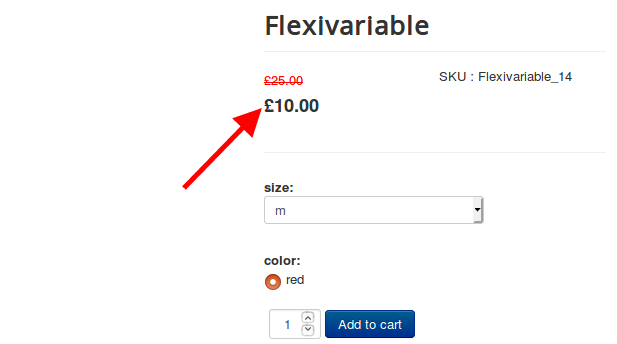

If you don’t like the price range of the variants getting displayed on the storefront, then you could replace it with the default base price.
The following are the steps to be followed:
Steps:
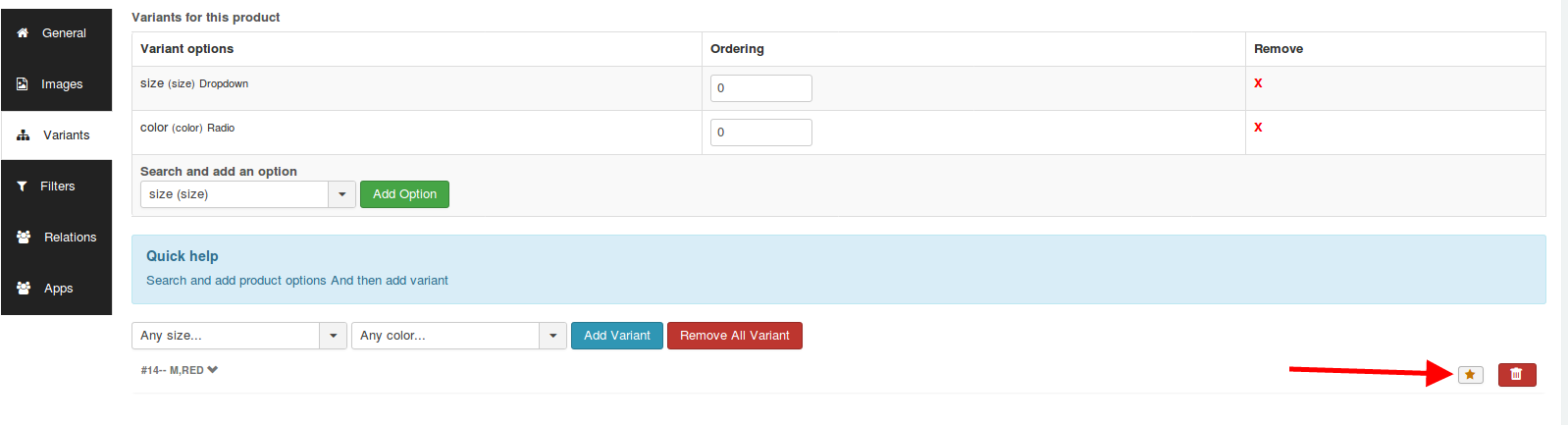
- Navigate to the Flexi variable product.
- Set the default variant by clicking on the star next to the variant.
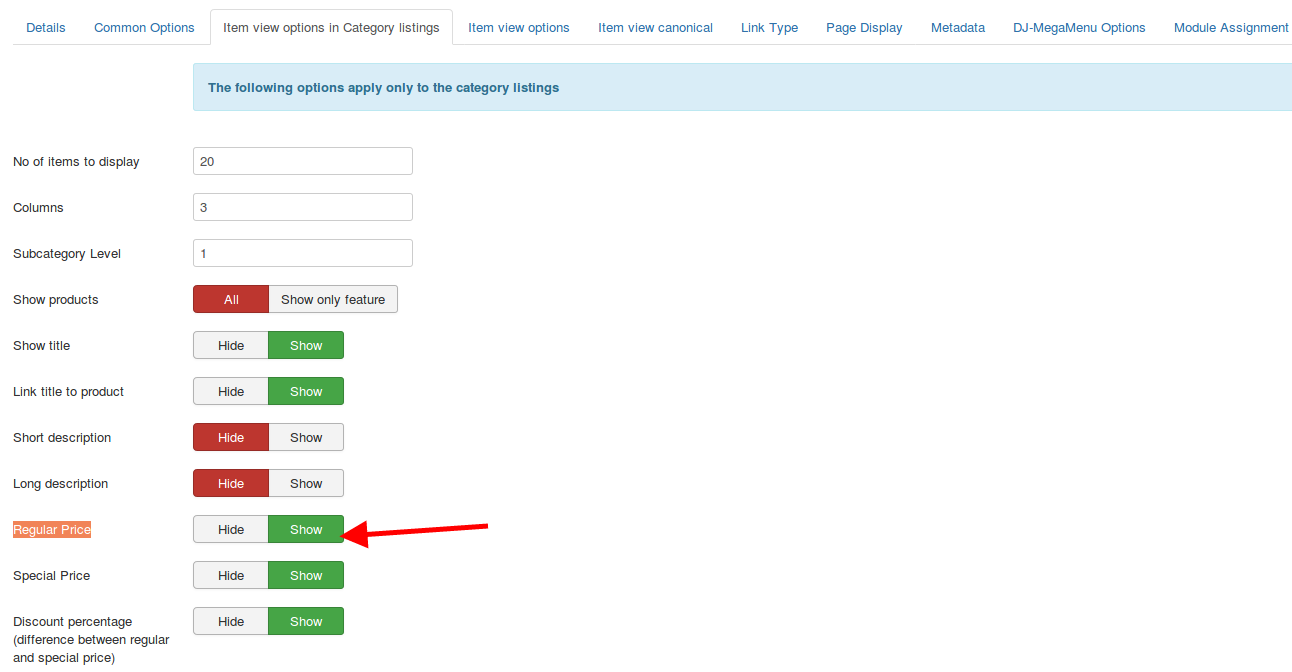
- Navigate to the menu manager > choose the menu of the flexi variable product.
- In the item view options in category listings and the Item view options tab, set the option
Regular Price to Show and base price to show.
- Navigate to /templates/your template/html/com_j2store/templates/ sub-template
- Create a file called “default_flexiprice.php” and paste the code in the following gist:
https://gist.github.com/sowbagyalakshmi/451d33fce24cf111b29e06e23b6be6d1
- On the same path, create another file called view_flexiprice.php and paste the code in the following gist:
https://gist.github.com/sowbagyalakshmi/d1a1749bf17c45c0ca251bde4ba60ed3
Now, the base price would be displayed instead of the price range.