Image Popup
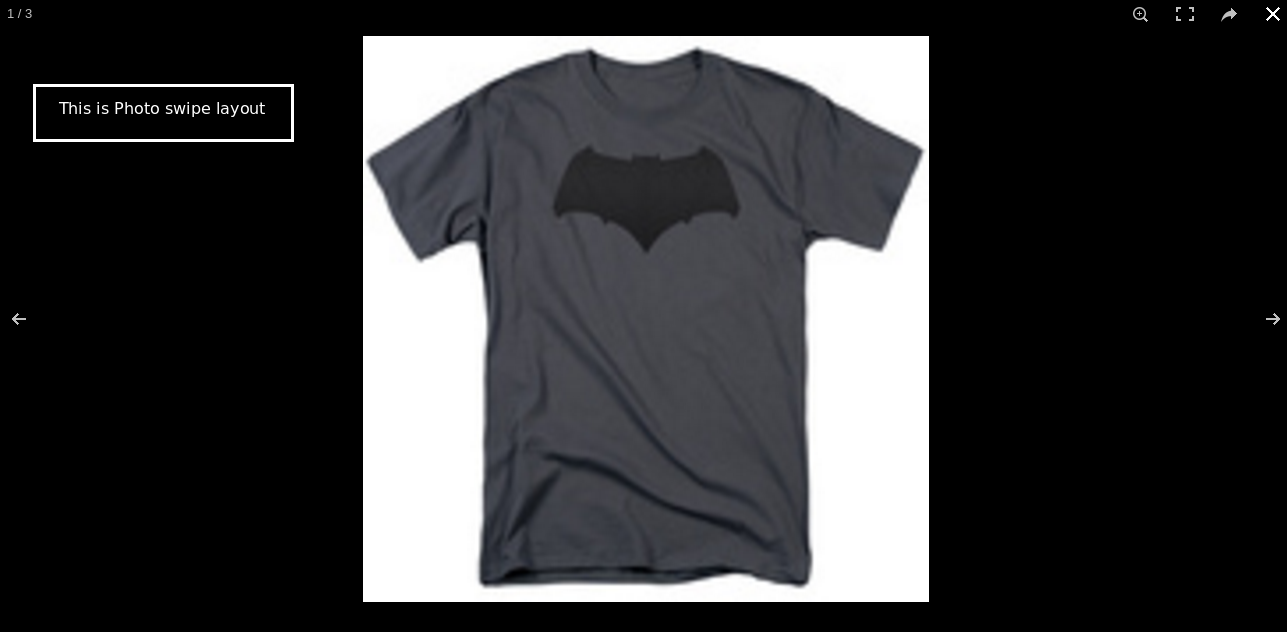
This app allows customers to view the product images (main image and additional image) in a pop-up. The following features are possible with this app
- Download the product image
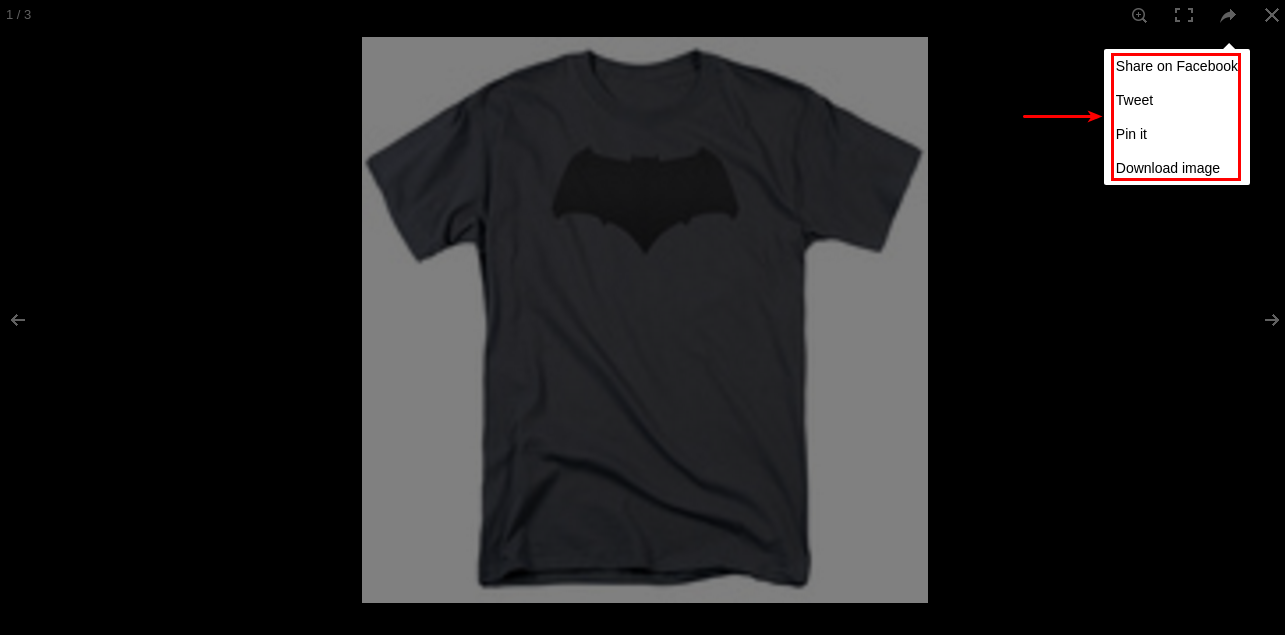
- Share and tweet on social media
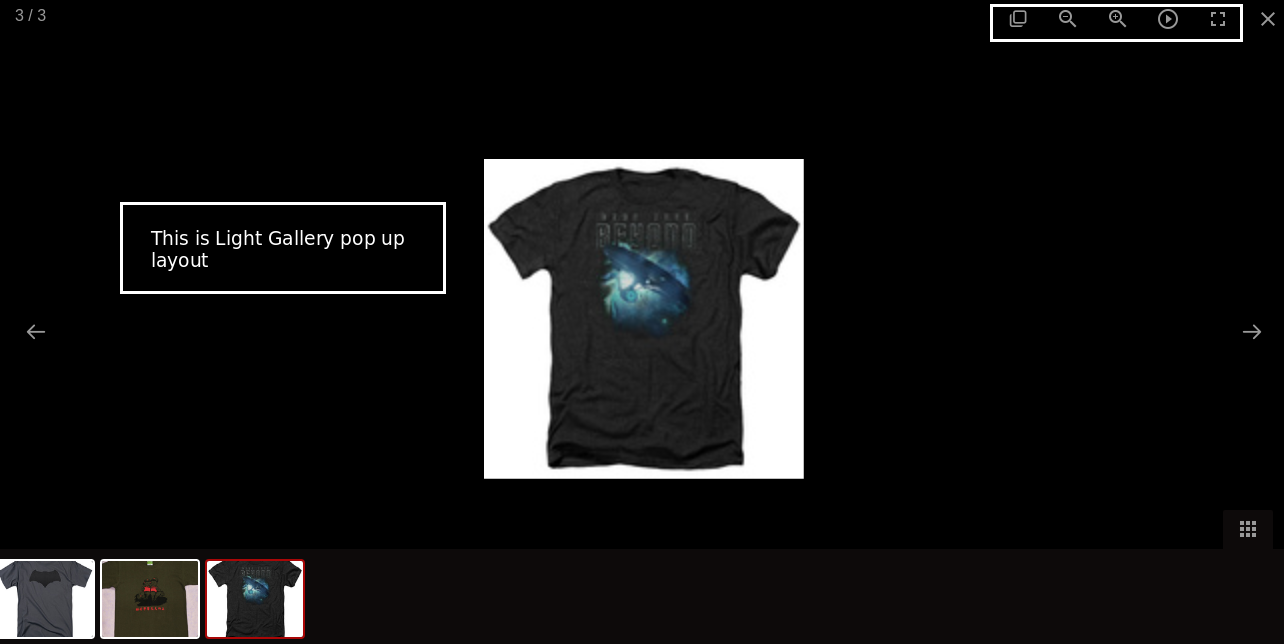
- Zoom in / Zoom out
- Slideshow image
Requirements
- PHP 8.1.0 +
- Joomla! 4.x/ Joomla! 5.x +
- J2Commerce / J2Store 4.x +
Purchase the App
Step 1: Go to our J2Commerce website > Extensions > Apps
Step 2: Locate the Image Pop-up App > click View Details > Add to cart > Checkout.
Step 3: Go to your My Downloads under your profile button at the top right corner and search for the app. Click Available Versions > View Files > Download Now
Install the App
Go to System > Install > Extensions > Install the app
-e0515ef561b368cb4d5a053cacb4c525.webp)
Enable the App
Go to J2Commerce > Apps > search for the Image Pop-up app
Click on the 'X' under Status to enable it.
Click on "Open App" or the Title to start setting up the app
Setting up the Parameters
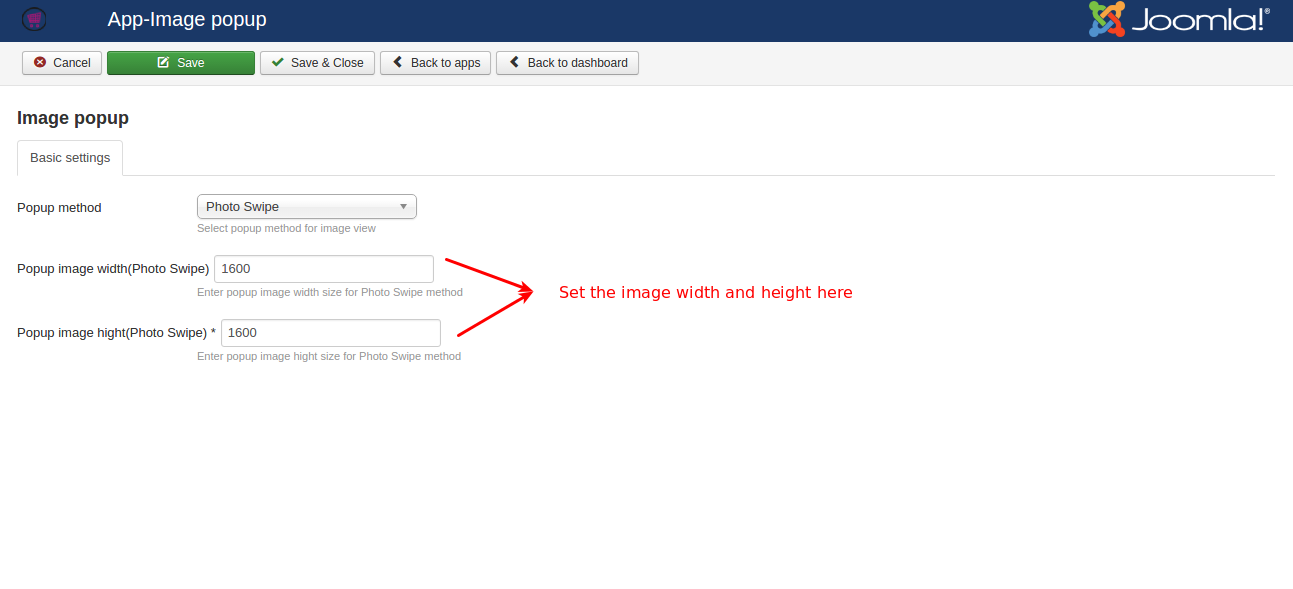
Basic Settings tab
Popup method: The image will be displayed in the popup method selected here. There are three methods available: Photo Swipe, Light Gallery, and Fancy Box.
- Photo Swipe: This method allows you to swipe the image in a pop-up, and you will have the share feature to share or tweet the image on social media.
- Light Gallery: This type of pop-up method displays the image in a gallery type and it has the features ofa slideshow, zoom in, and zoom out.
- Fancy Box: This type of pop-up method displays the image in a small fancy box.
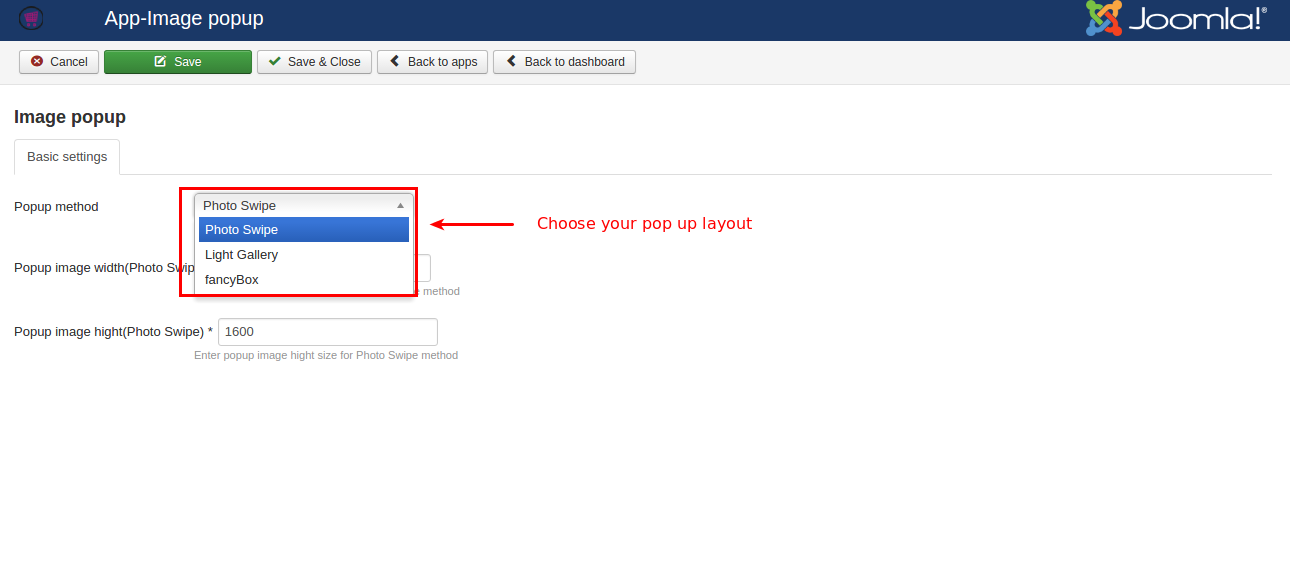
Popup image width (Photo Swipe): Set the width of the image to be displayed in the Photo Swipe method.
Popup image height (Photo Swipe): Set the height of the image to be displayed in the Photo Swipe method.
Frontend Demo